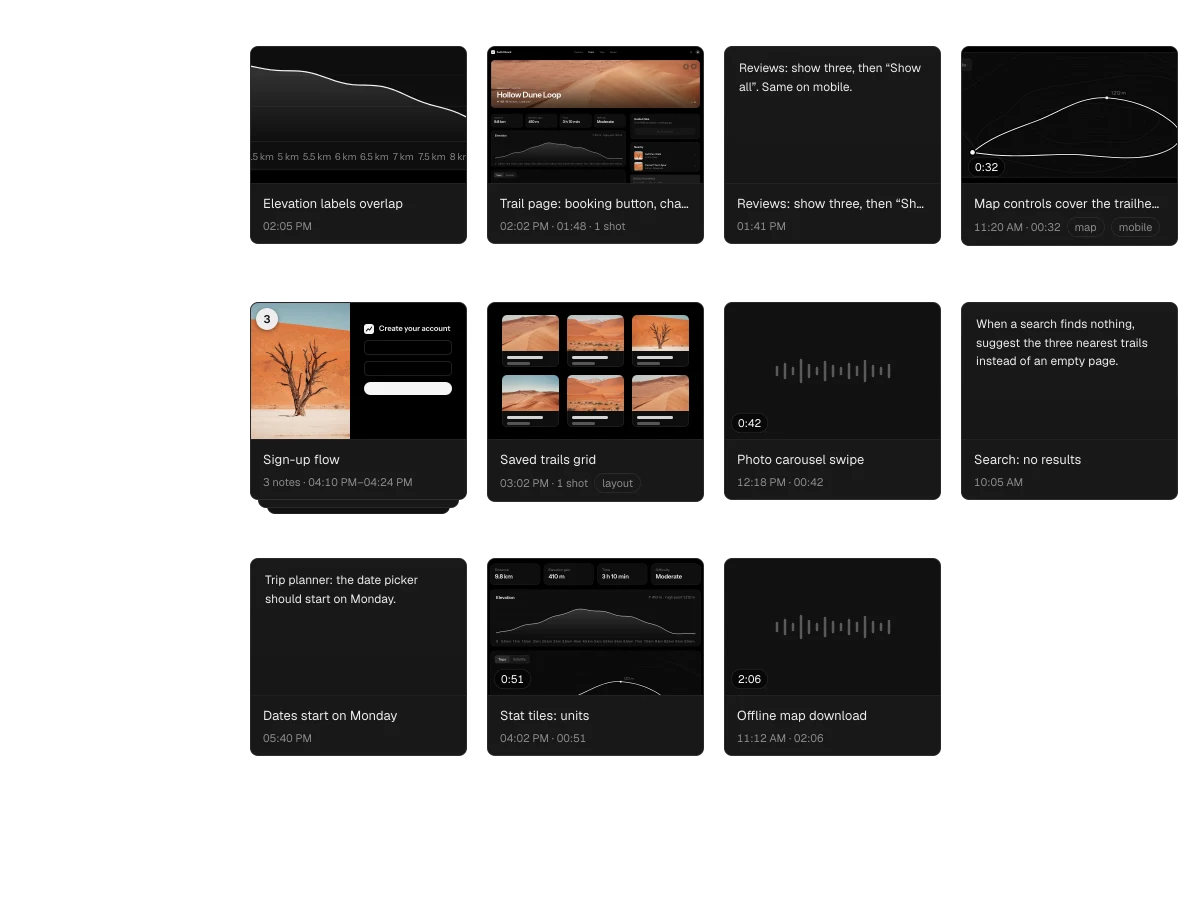
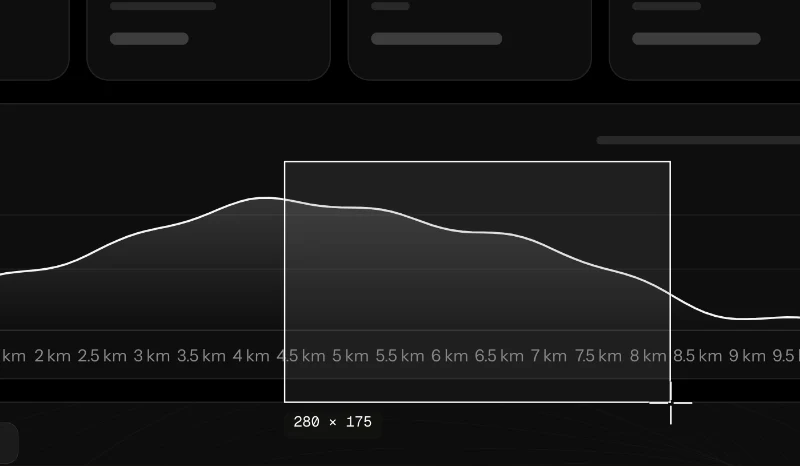
Drag out the detail
⌥⇧S, then drag across anything on screen. The pixels are taken the moment you let go — no freeze, no dimming.

Point at anything you’re building — an app, a site, a design — and say what’s off. Aloud records the screen with you, keeps what you meant, and hands your coding agent a plan with the pictures in it.
01Say it
Something on staging is off. You could write it up — or just say it. Press ⌥⇧N in any app and talk while you point. Aloud records the screen with you, and the moment you say “this button” it takes that frame and suggests the screenshot.
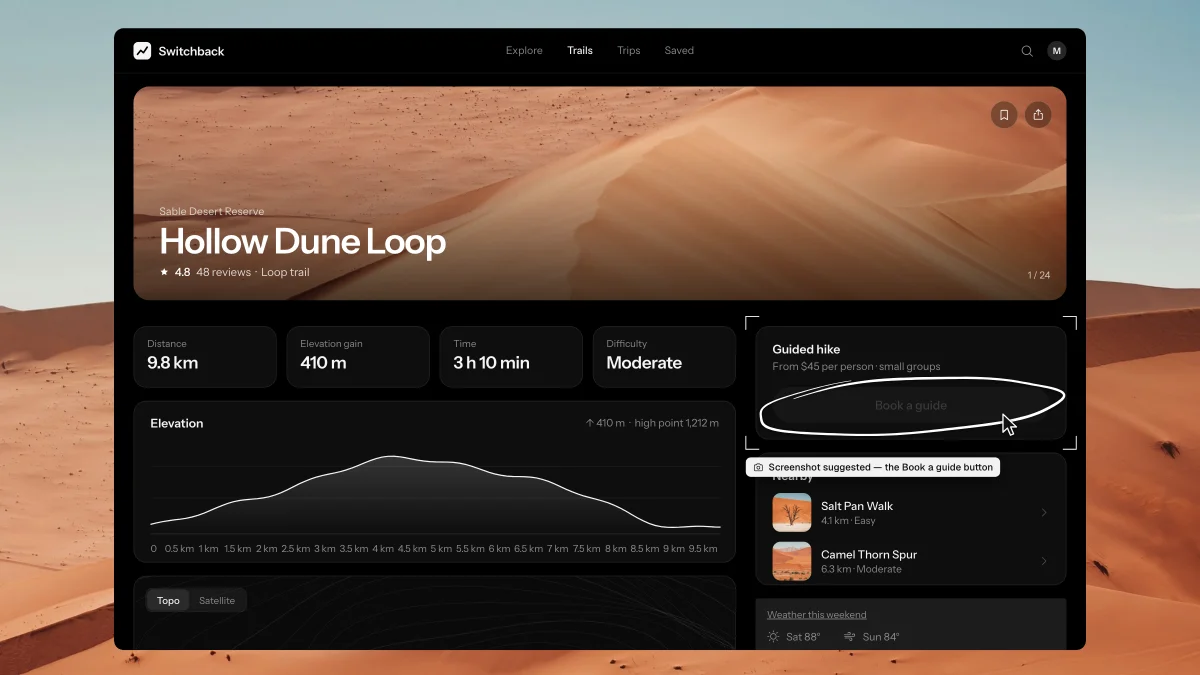
⌥⇧S, then drag across anything on screen. The pixels are taken the moment you let go — no freeze, no dimming.
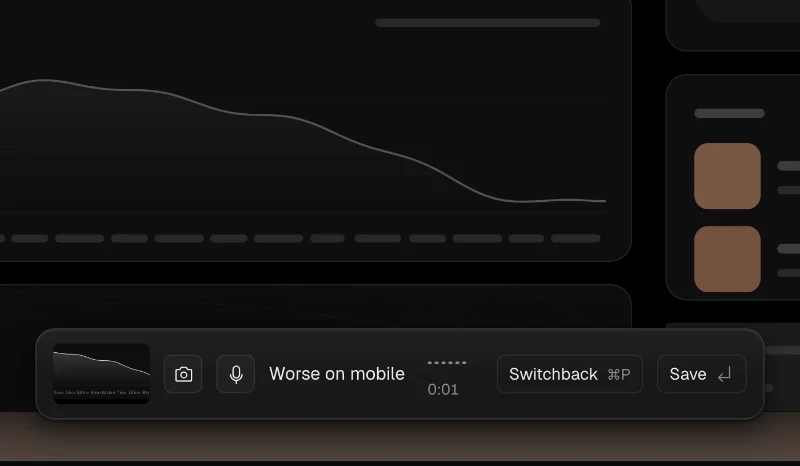
The shot lands in the bar with the mic already on. Say the rest or type it; one ↩ saves. Go quiet for thirty seconds and it stops itself.
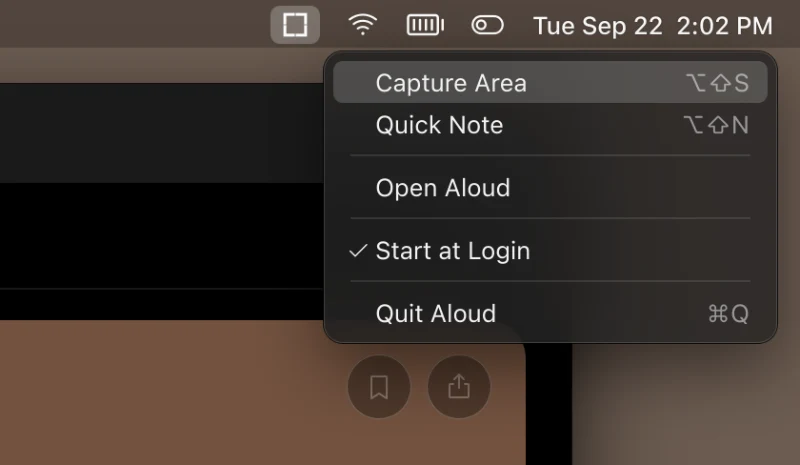
⌥⇧N and ⌥⇧S work from launch to quit, in any app. The menu-bar item is how you know they’re live.
02Sort it
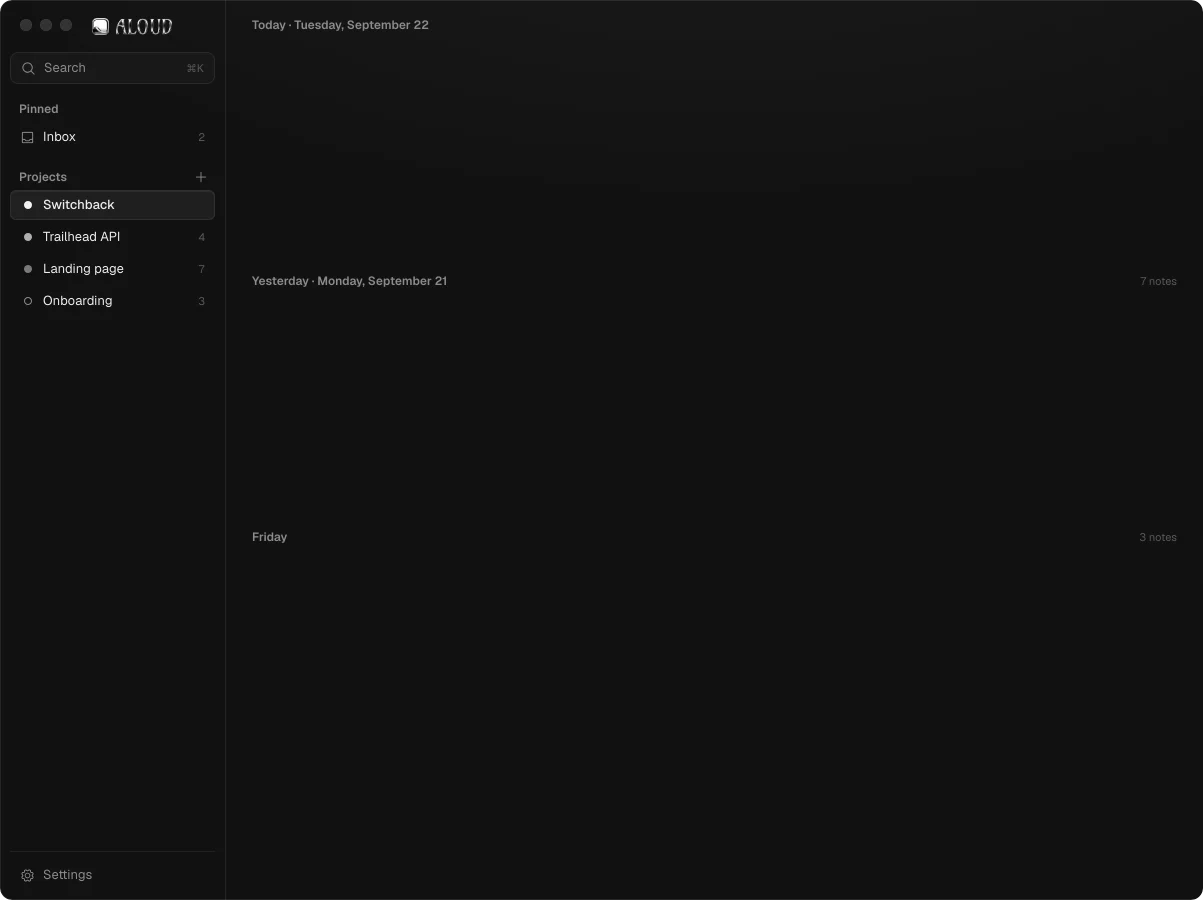
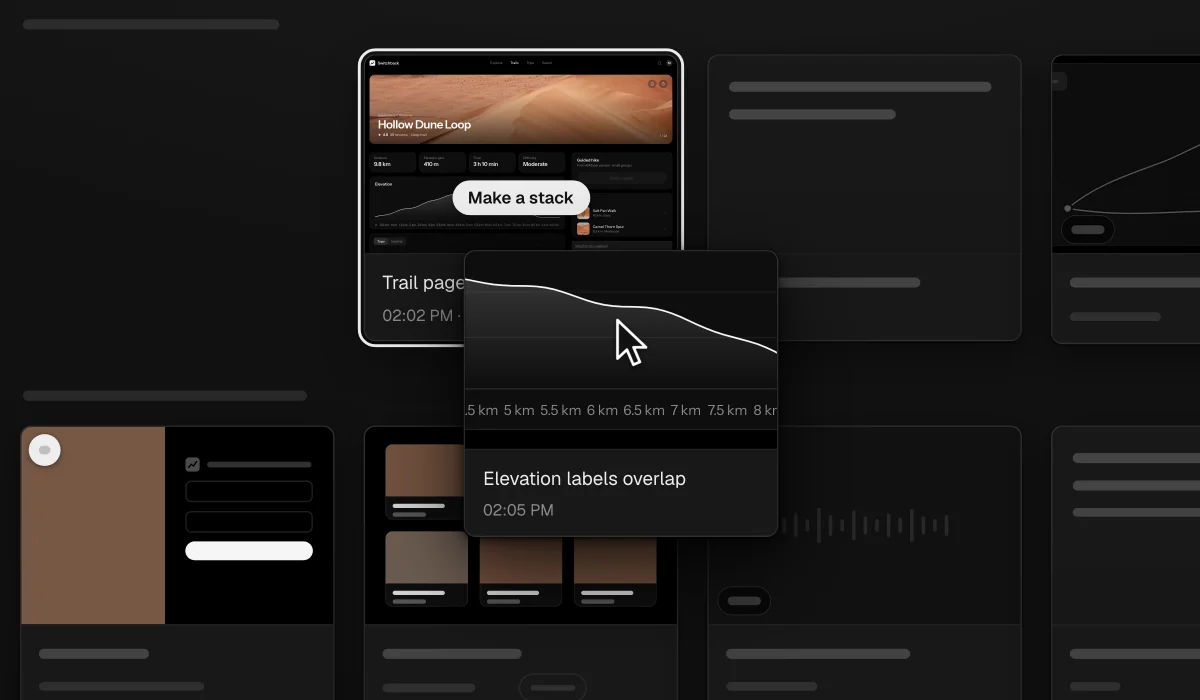
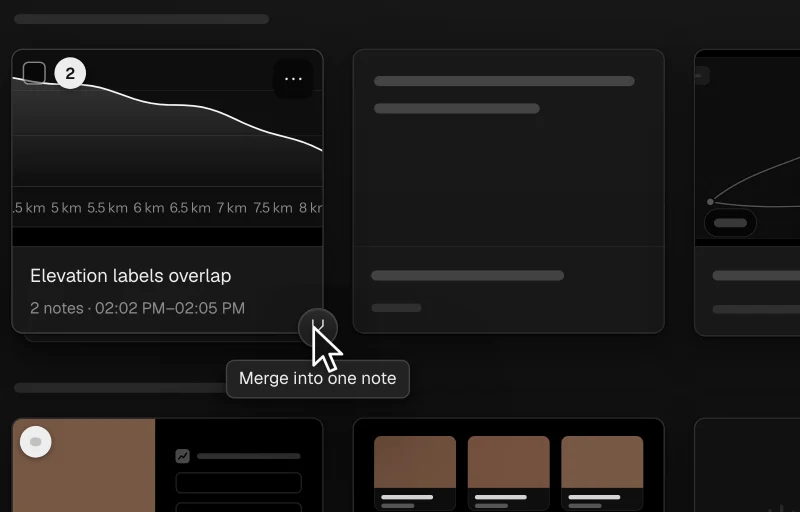
Every note is a card, grouped by day and filed by project. Drop one card on another and they stack. One press merges the pile into a single note, in the order you said it.
03Shape it
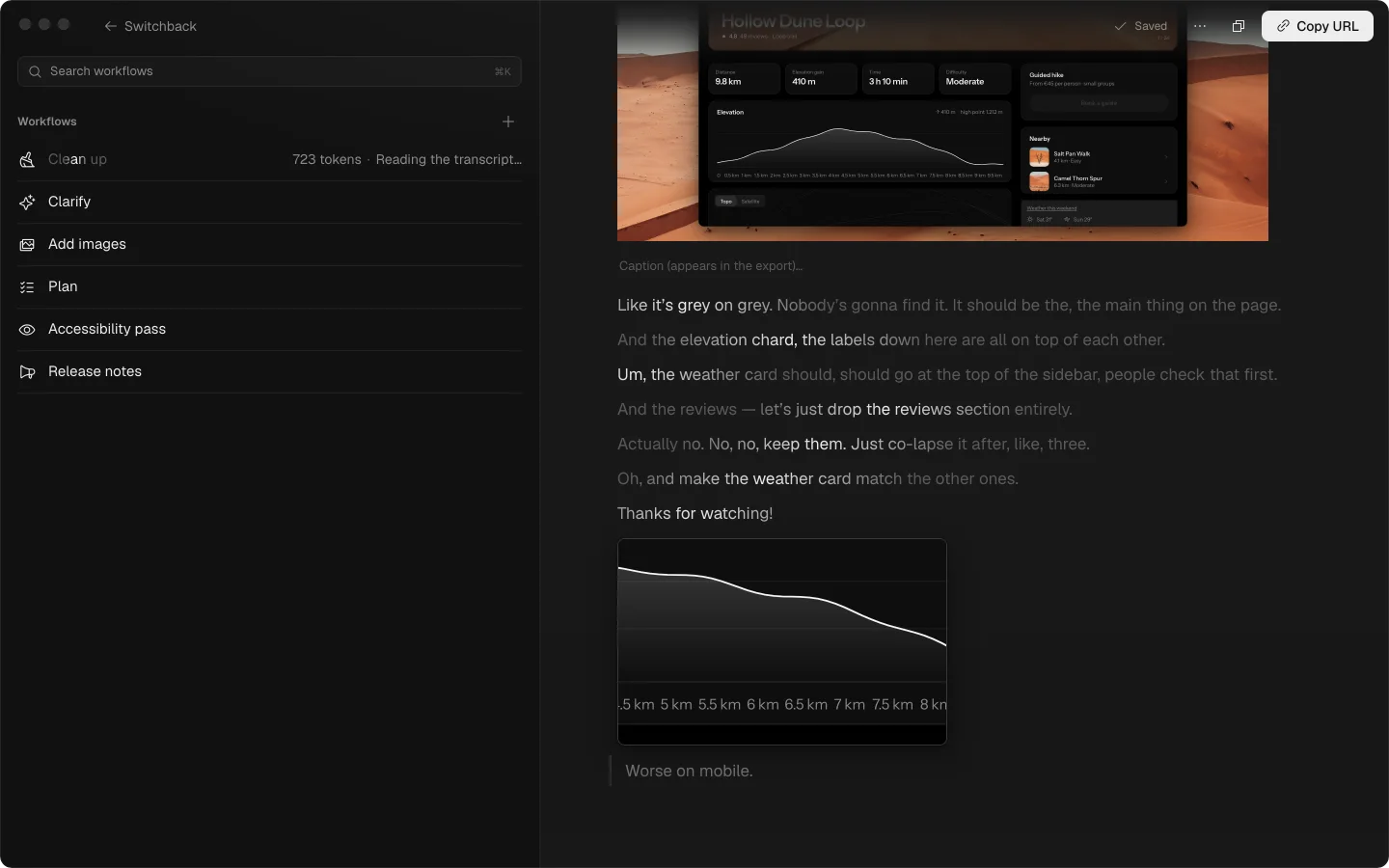
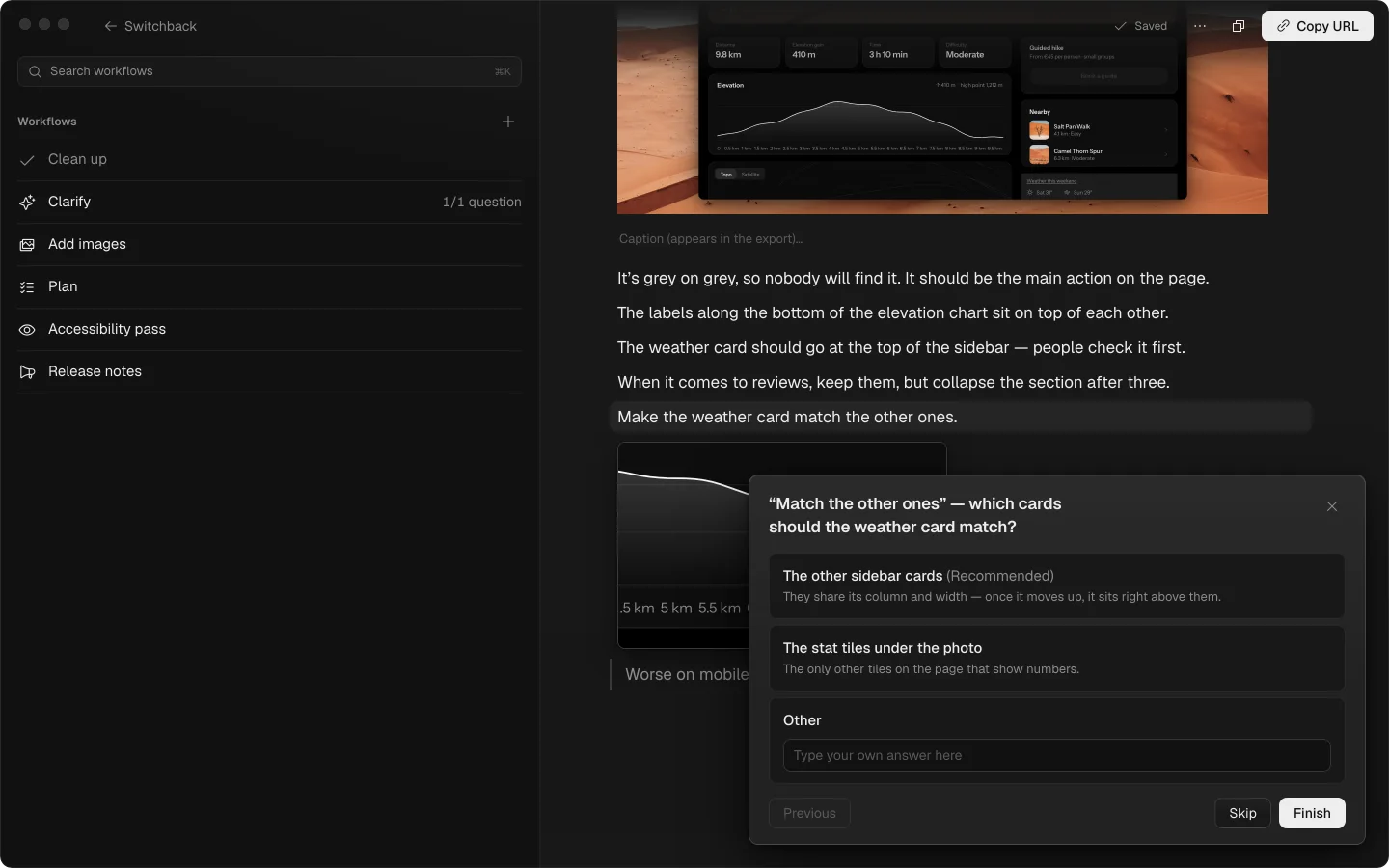
You’ll change your mind mid-sentence. Clean up reads the transcript like a colleague would: the filler, the stutters and the idea you took back are gone, misheard words are fixed from context, and the call you stood by stays.
As you said it
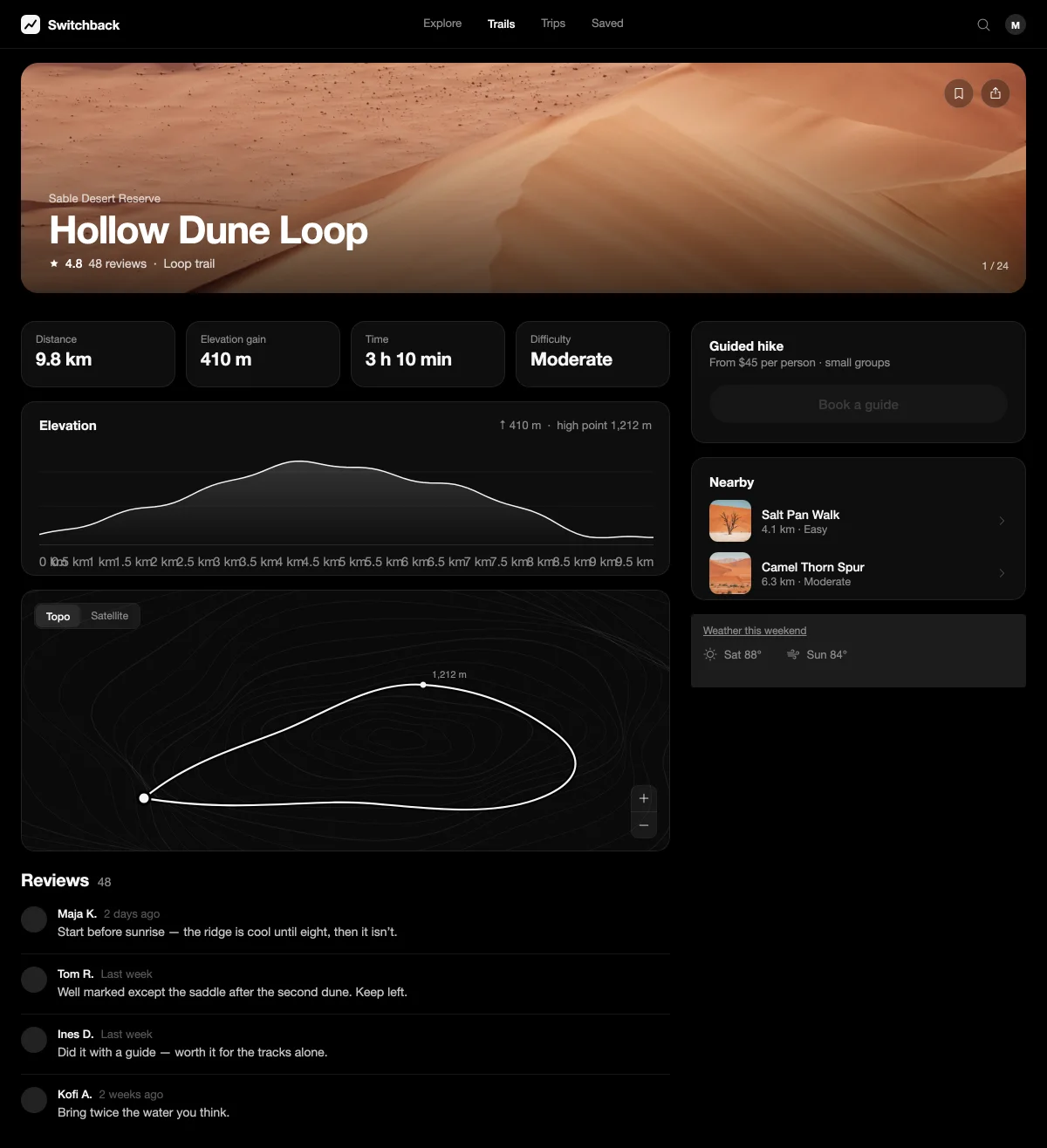
Okay so, um, I’m on the trail page on staging and, uh, this button — the book a guide one — it’s basically invisible.
Like it’s grey on grey. Nobody’s gonna find it. It should be the, the main thing on the page.
And the elevation chard, the labels down here are all on top of each other.
Um, the weather card should, should go at the top of the sidebar, people check that first.
And the reviews — let’s just drop the reviews section entirely.
Actually no. No, no, keep them. Just co-lapse it after, like, three.
Oh, and make the weather card match the other ones.
Thanks for watching!
As you meant it
I’m on the trail page on staging, and this button — Book a guide — is basically invisible.
It’s grey on grey, so nobody will find it. It should be the main action on the page.
The labels along the bottom of the elevation chart sit on top of each other.
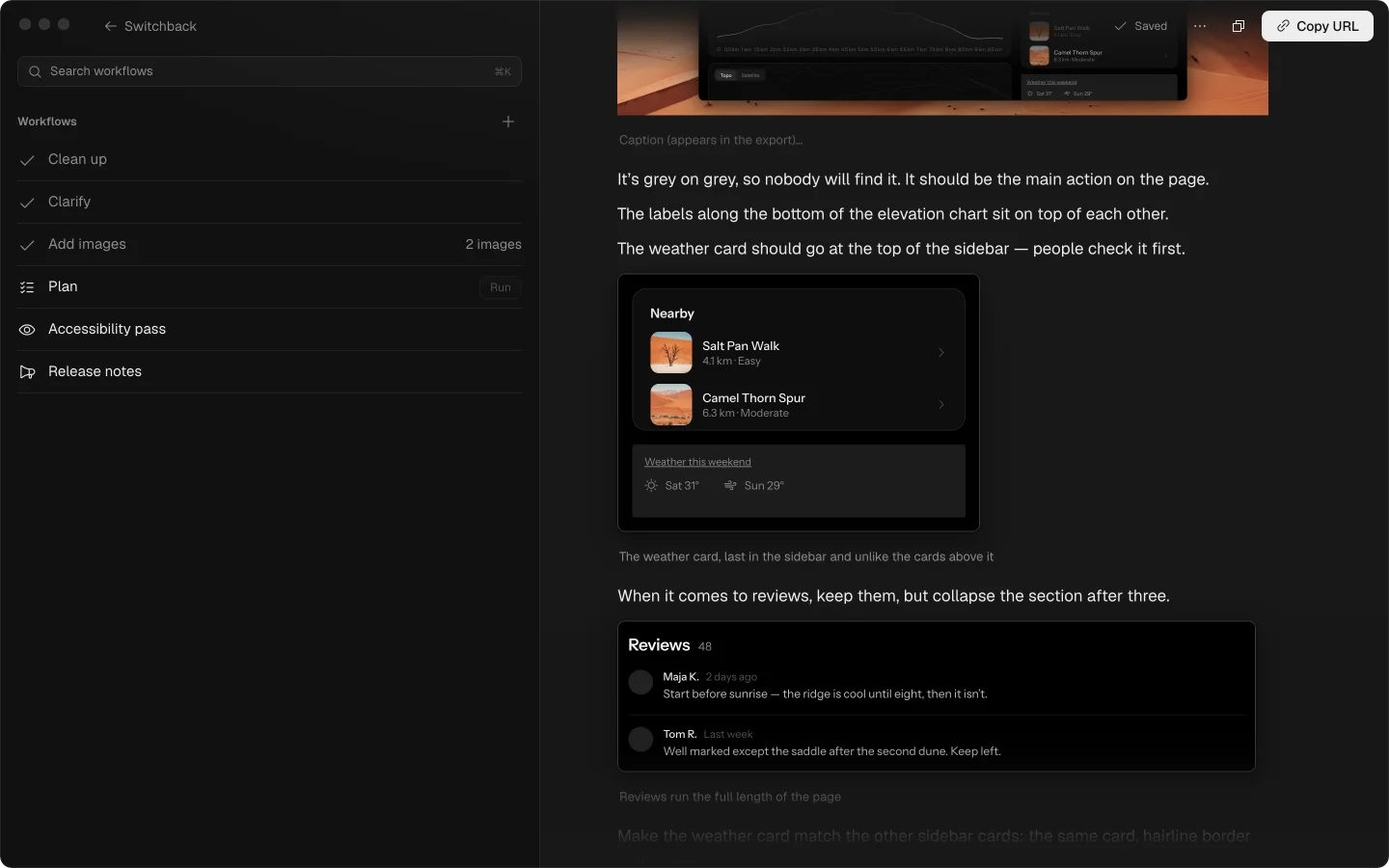
The weather card should go at the top of the sidebar — people check it first.
When it comes to reviews, keep them, but collapse the section after three.
Make the weather card match the other ones.
struck filler, stutters, the idea you took back, Whisper’s “Thanks for watching!”
dotted misheard, repaired from context
Each runs on its own, on the model you pick. Nothing a model does is final: every change lands in the note’s history.
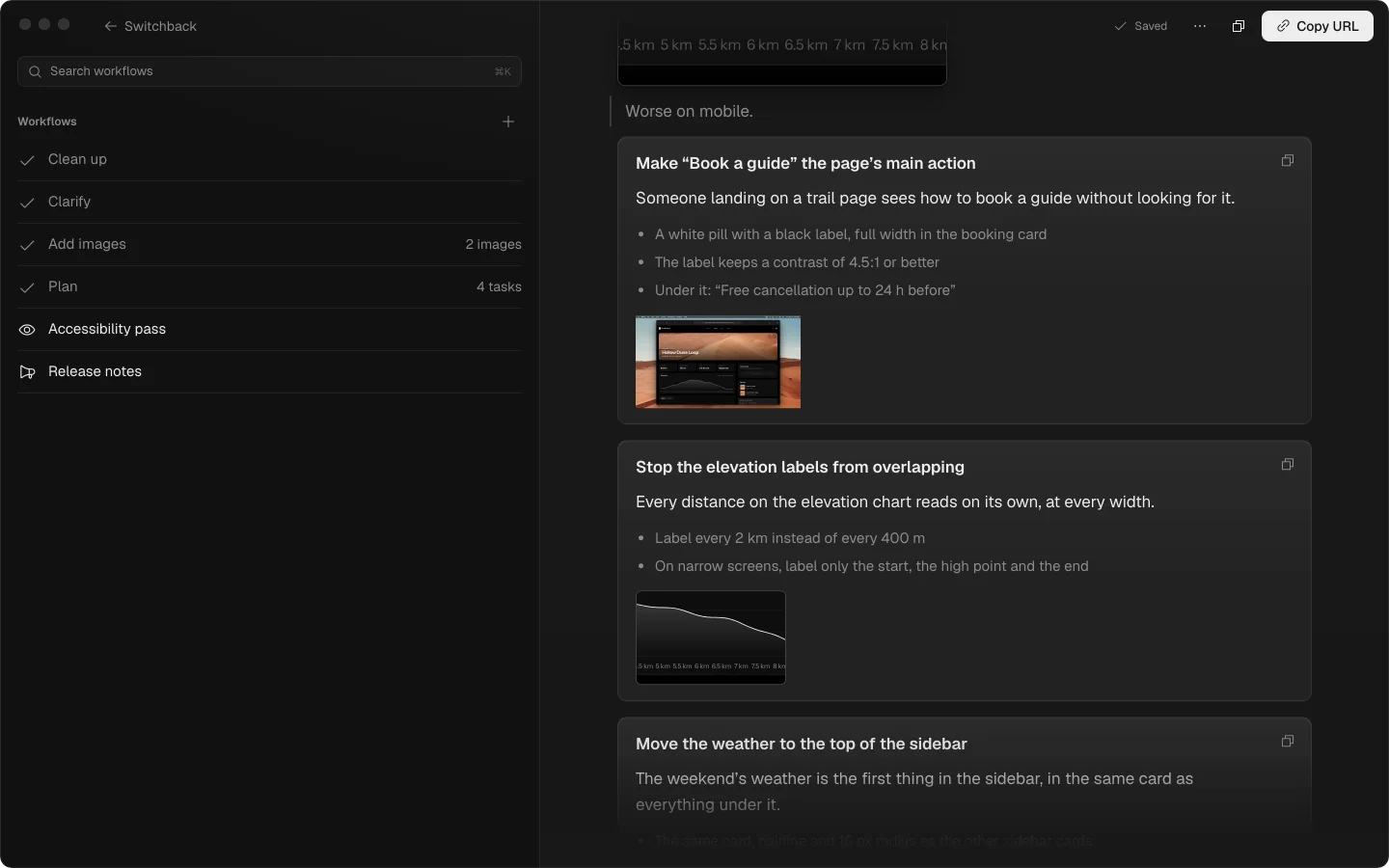
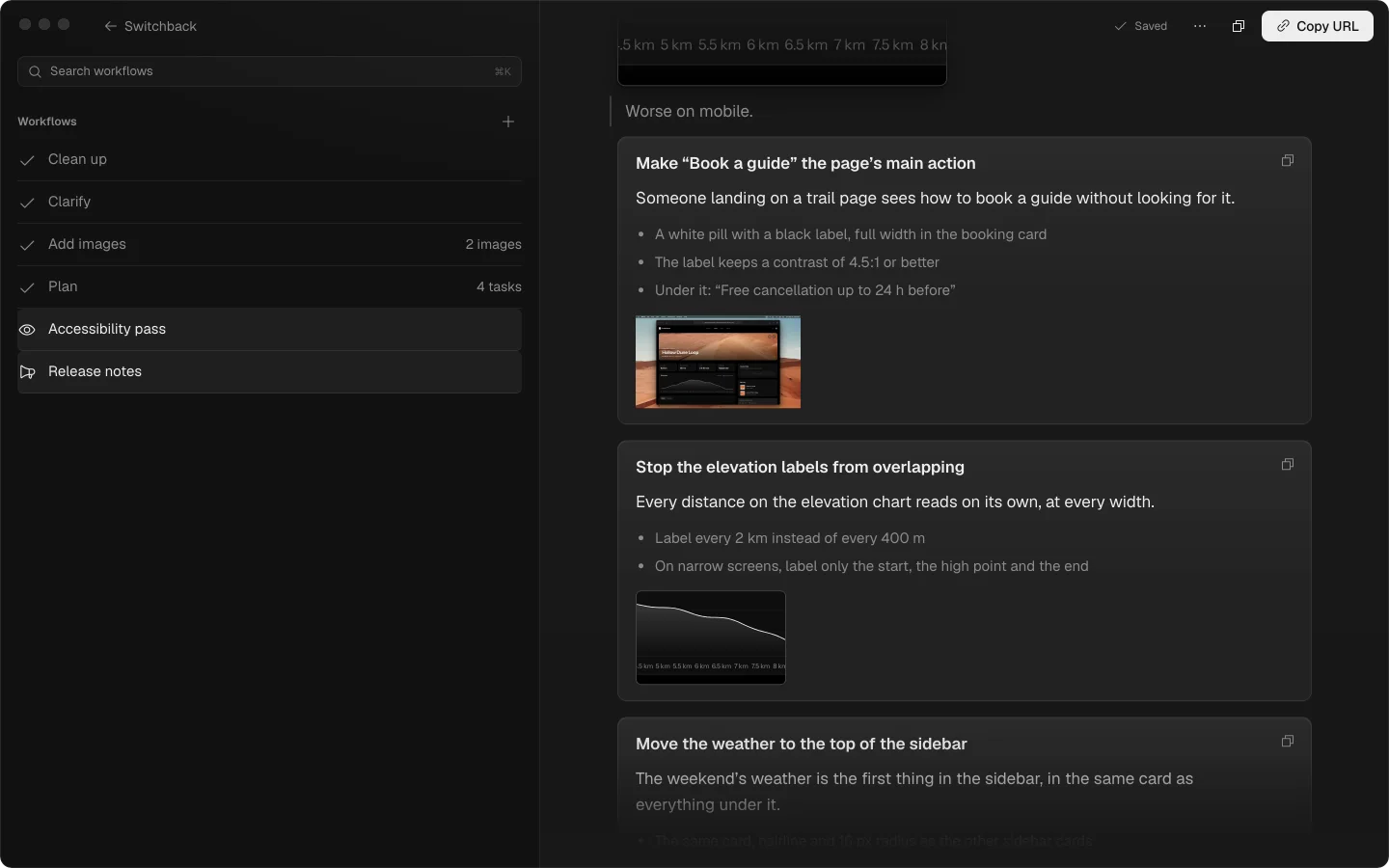
04Ship it
Send to Claude puts the plan and its pictures in a handoff folder and opens Claude Code in your project, with the prompt waiting.
switchback — claude
Welcome to Claude Code!
/help for help, /status for your current setup
cwd: /Users/you/code/switchback
Read the plan at "/Users/you/Library/Application Support/Aloud/handoff/switchback/plan.md" and carry it out. The screenshots it names are image files beside it — open each one when its task comes up.
Opened from a link — review the prompt, then press Enter? for shortcuts
The same page, after Claude Code worked through the plan. Drag across it to compare.
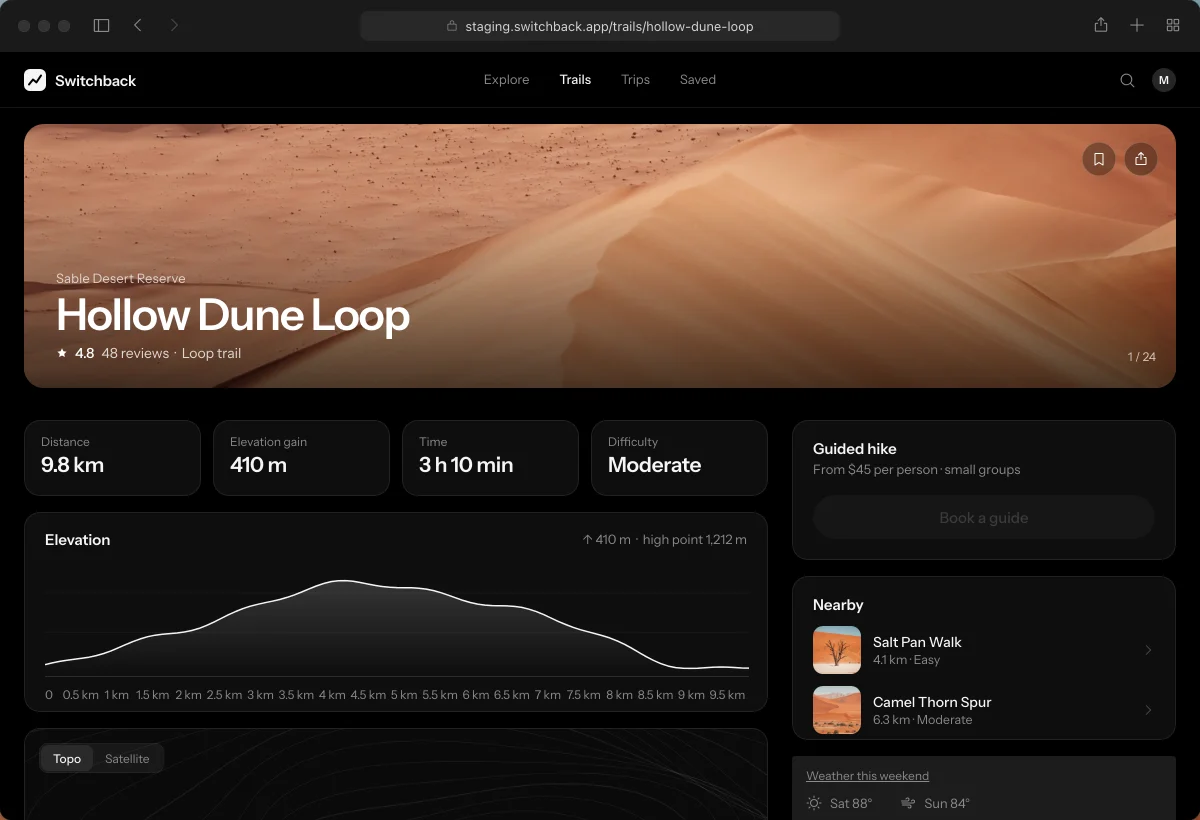
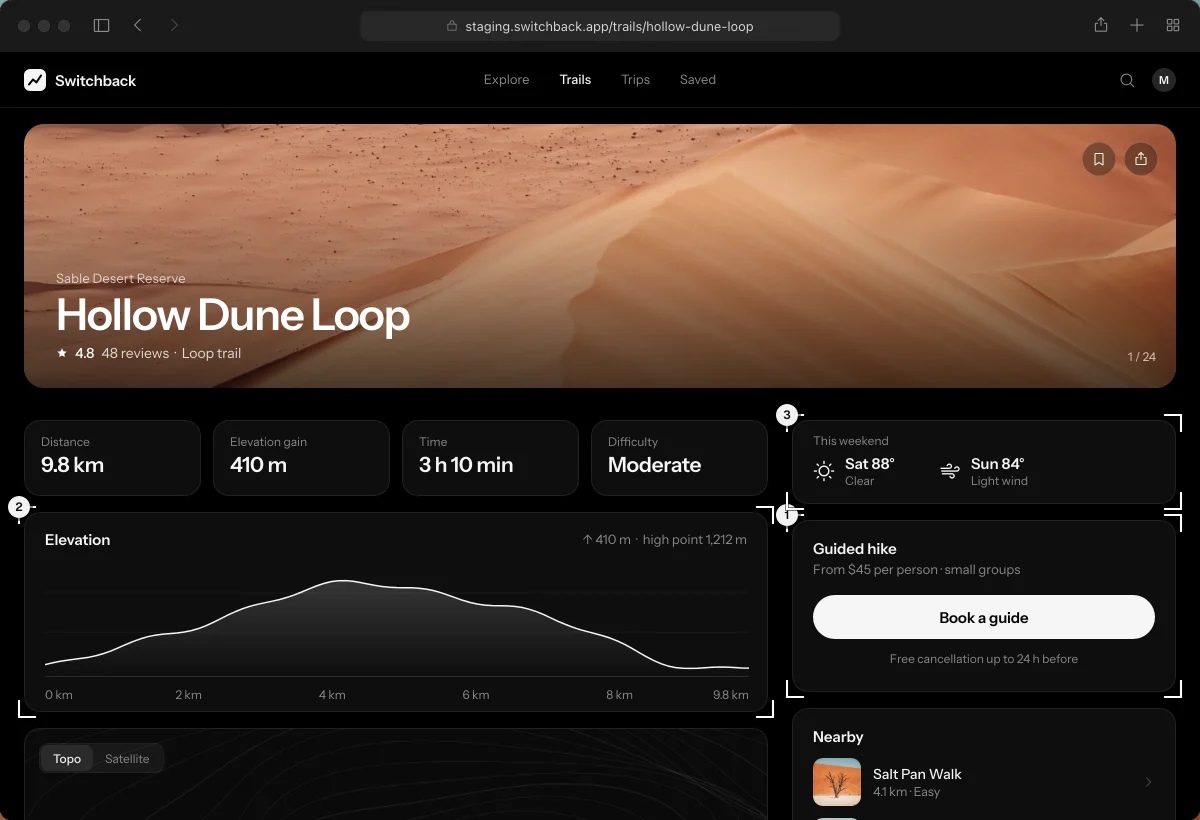
Claude Code4 of 4 tasks
Each task came with the screenshot it was about, so nothing had to be described twice.
Whisper runs on-device. Your audio and your screen recording never leave the Mac.
Crop, arrow, box, freehand, highlight and text on any screenshot. The original is always kept.
Every change, yours and each workflow’s, lands in the note’s history, one click from restored.
Export one HTML file with the words and the screenshots in it. No app is needed to read it.
Search every note’s name and every word in it, across all of your projects.
Recordings are written to disk every few seconds, so even a crash costs a few seconds at most.
Privacy
Recording, transcription, annotation and export happen on your Mac, and work offline. The workflows send only what they work on — the transcript text, your notes and the still frames they place — and that is kept for ninety days, then deleted.
Anything else? Write to hello@aloud.sh.
You hit record and talk through whatever you’re building — an app, a site, a design — while the screen is captured alongside your voice and a live transcript. Aloud then rewrites the transcript to what you actually meant, suggests screenshots wherever you said “this” or “that”, and exports one self-contained file your coding agent can act on.
No. Transcription runs on-device and the audio and screen video are never uploaded. The optional AI steps send the transcript text, the notes you typed, and the still frames used to place screenshots — kept for ninety days, then deleted. Nothing you record is used to train models. The Privacy Policy sets it out in full.
The export is one self-contained file any agent can read. Drop it into Claude Code, Cursor or Codex — or use Send to Claude, which opens the plan in Claude Code directly.
Quietly. Aloud sits in the menu bar, and its two shortcuts — ⌥⇧N to talk, ⌥⇧S to capture an area — work from launch to quit, in any app. It can start at login, too.
Yes. Export writes one self-contained HTML file with the words and the screenshots in it. It opens in any browser, and there is nothing to install.
The download is free. Recording, on-device transcription, annotation and export are free and work offline. The AI steps run on inference we pay for, so they come with a free allowance per hour — the app shows how much of it you have used, and the Terms spell out what counts as fair use.
Apple silicon Macs (M1 or newer) running macOS 12 Monterey or later.
An account is an email address you can receive a six-digit code at — there is no password. It carries your free allowance for the AI steps; everything captured on your Mac stays yours either way.
Brain function collapse, the independent studio of Wojciech Dobry. Aloud shipped in 2026 — questions and ideas go to hello@aloud.sh.